
Play the hard bit again. And again. And again.
Mark two points on a YouTube video and LoopPoint repeats what is between them — cleanly enough that you stop noticing the loop and start hearing the phrase.
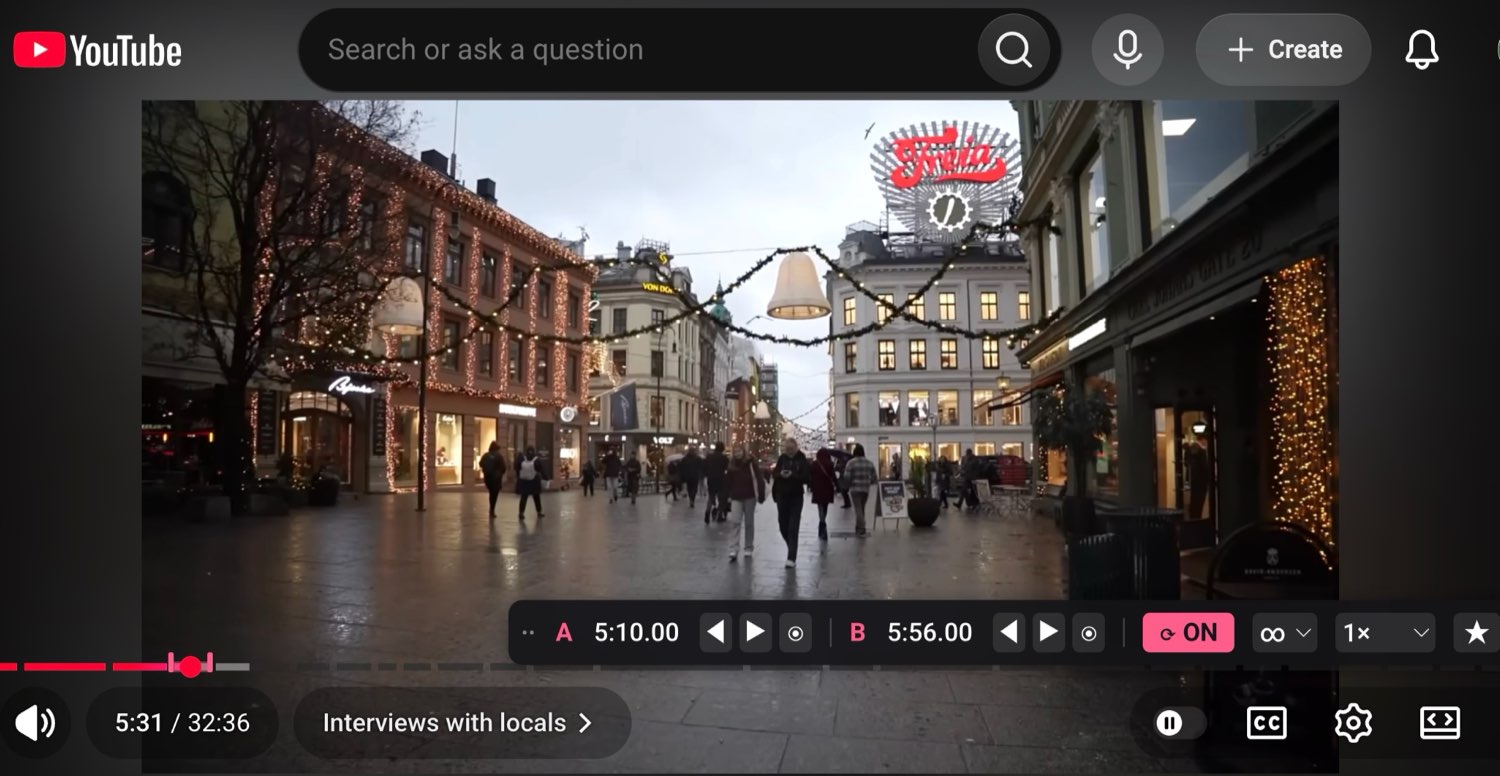
Two keystrokes, and it is looping
1 · Mark it
Press [ where the phrase starts, ] where it ends. That is the whole setup.
2 · Nail the edges
Drag either marker and the video follows your finger, so you can find the downbeat by ear instead of squinting at a scrubber.
3 · Drill it
Slow it to half speed. Ask for five repeats. Keep the good loops and come back to them tomorrow.
Everything else it does
Your loop is still there tomorrow
Reopen the video and it comes back, at the speed you were practising it.
Keep the ones that worked
Save any loop, name it, and pull it up again from the toolbar.
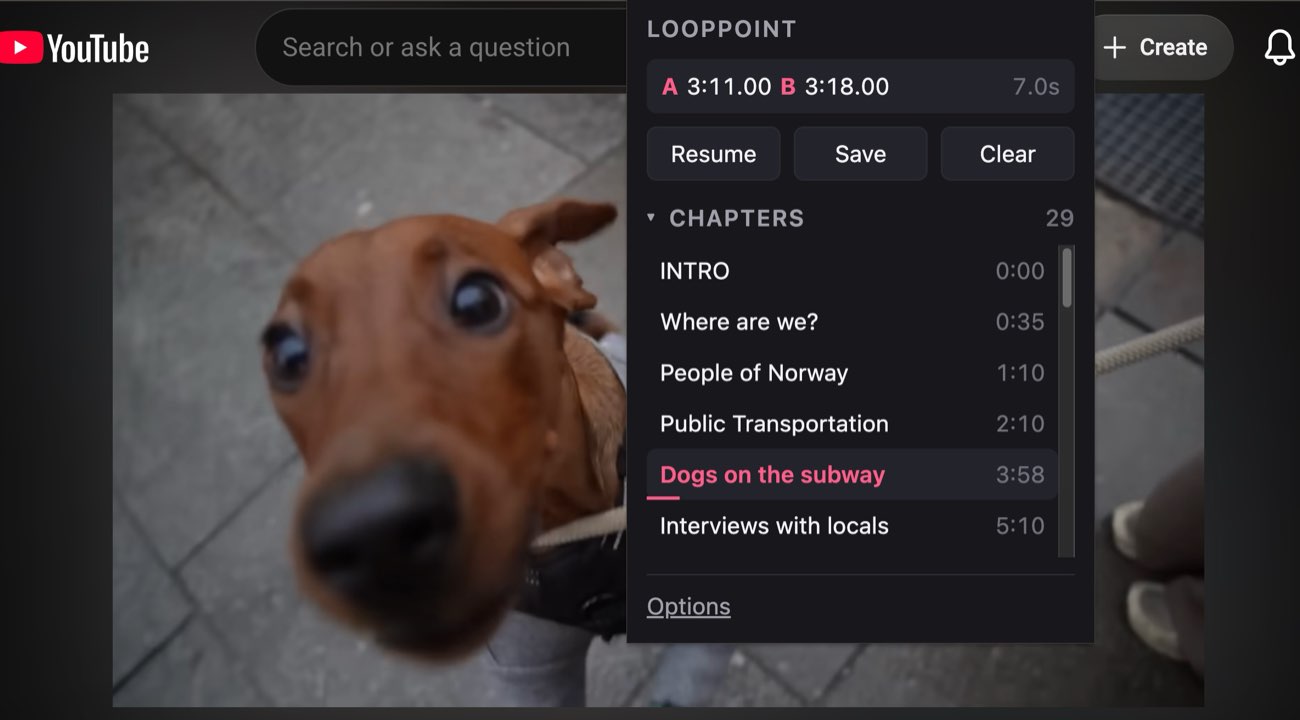
Start from a chapter
On videos with chapters, jump straight to one and tighten it down.
Slow it right down
Quarter speed to double, without leaving the player.
Count your reps
Play it five times, then let the video carry on by itself.
Keys that stay out of the way
All rebindable, and none of them collide with YouTube's own.
Nothing leaves your browser
No account, no tracking, no analytics. It can touch YouTube and nothing else.
What people loop
Musicians
Drop the solo to half speed and drill the four bars you keep fluffing. The cut lands on the same frame every lap, so the phrase comes back identical instead of creeping forward a beat at a time.
Language learners
Loop one sentence and say it with the speaker until it stops being a wall of sound. Slow enough to hear where the words end, then back to full speed to check you still can.
Anyone learning by watching
Replay the twenty seconds where the derivation jumped, or where the hands moved too fast to follow — without dragging the scrubber back and overshooting every time.
Why it sounds right
Most loopers check the clock a few times a second and jump back when they notice they have overshot. You hear it: a fraction of the next bar sneaks in, by a different amount every lap. On a musical phrase that is the one thing you cannot have, because the whole point is that it repeats identically.
LoopPoint watches the video frame by frame and cuts on the frame before your end point, every single lap. Here is what that measures, on a real YouTube page:
A frame at 30fps lasts 33ms. At 360p the cut is quicker than a single frame — which is why it stops sounding like a loop and starts sounding like the take.